The Student Creative Economy in 2026
College and university students today operate in a creative economy that did not exist a decade ago. A communications major may need to produce a podcast. An architecture student might create 3D renderings. A marketing undergrad could be tasked with editing a promotional video. The boundaries between disciplines have blurred, and the demand for professional-grade creative tools has moved well beyond the design department.
Adobe's Creative Cloud Pro for Students addresses this reality. Between August 17 and September 2, 2026, eligible students in the United States and Canada can access the full Creative Cloud Pro suite at a discount exceeding 75 percent off the standard individual price. But a steep discount on a large suite is only valuable if the tools inside it are tools you will actually use. This article examines what the plan includes, how the pricing works over time, what the AI features deliver, and whether the student subscription makes practical sense compared to alternatives.
What Creative Cloud Pro Actually Includes
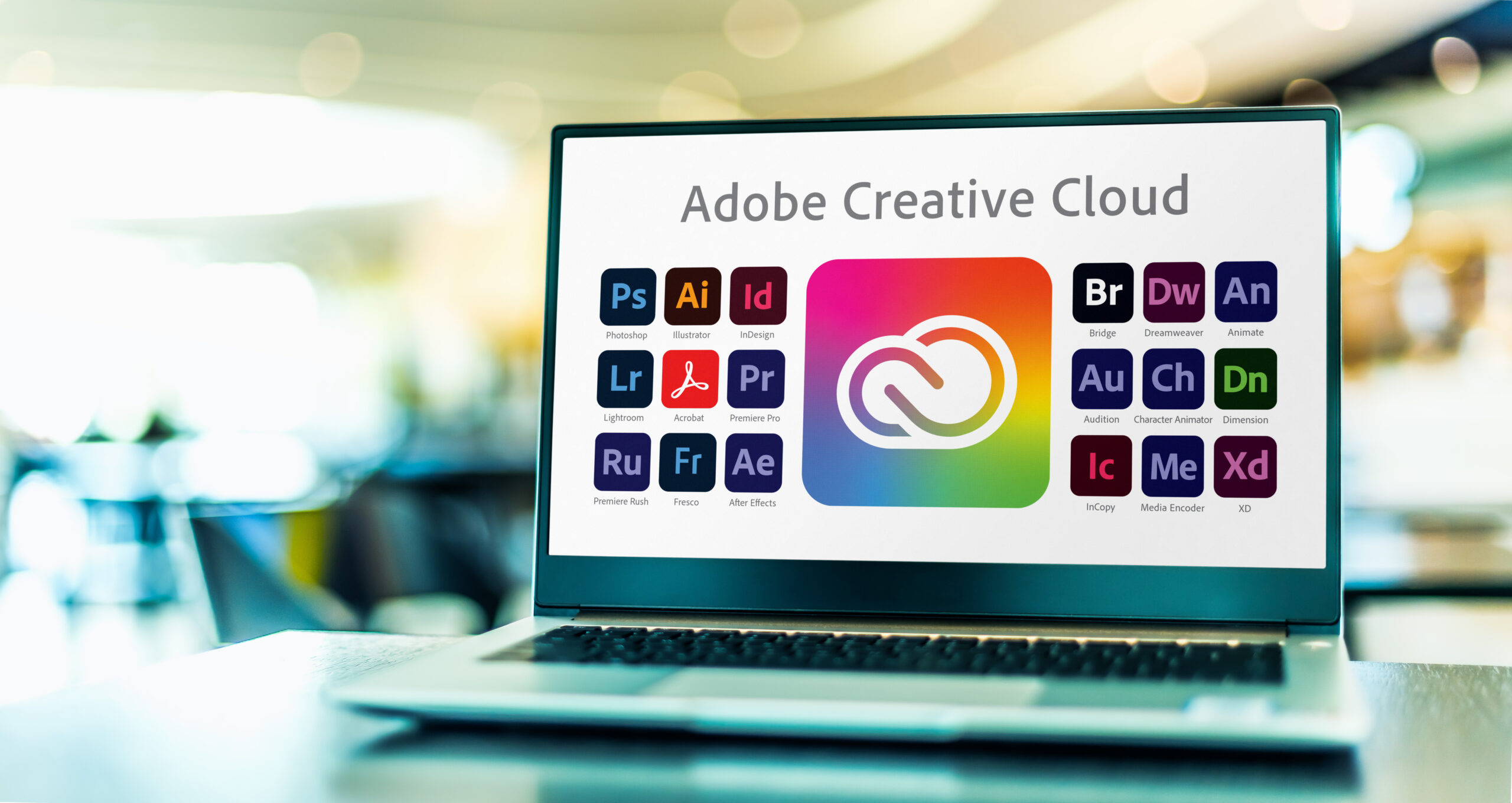
The plan provides access to more than 20 desktop and mobile applications. Rather than listing them alphabetically, it is more useful to group them by the creative functions they serve.
Image Editing and Photography. Photoshop remains the industry standard for pixel-based image manipulation — retouching, compositing, and complex layer-based editing. Lightroom and Lightroom Classic handle photo organization, RAW processing, and batch adjustments across collections. Photoshop Express and Photoshop Camera extend core editing capabilities to mobile devices.
Vector Design and Illustration. Illustrator creates scalable vector graphics — logos, icons, typography, and illustrations that can be resized without quality loss. Fresco offers a natural painting and drawing experience with live brushes, targeted at digital illustrators and concept artists.
Page Layout and Publishing. InDesign is the professional tool for multi-page document design — magazines, brochures, portfolios, and editorial layouts. It works in concert with Photoshop and Illustrator, allowing assets from those applications to be placed and managed within structured documents.
Video and Motion. Premiere Pro is the plan's primary video editing application, supporting multi-track editing, color correction, audio mixing, and title generation. After Effects handles motion graphics, visual effects, and animation. Adobe Media Encoder manages export and format conversion across delivery targets.
Audio. Audition provides recording, editing, mixing, and restoration tools for podcasts, interviews, and sound design. It integrates with Premiere Pro via Dynamic Link, enabling audio round-tripping without rendering.
Document Management and Presentation. Acrobat Pro creates, edits, signs, and manages PDF files. Adobe Express offers template-based design for social media posts and quick graphics. Adobe Portfolio and Behance provide platforms for presenting finished work to clients, schools, and employers.
Supporting Services. The plan also includes 100 GB of cloud storage, Adobe Fonts (a library of thousands of typefaces), access to selected free Adobe Stock assets, and templates across applications.
The Economics: Pricing Breakdown and Long-Term Cost
The promotional pricing for Creative Cloud Pro for Students requires examination beyond the headline discount.
First-Year Pricing. The standard individual Creative Cloud Pro plan costs approximately $69.99 per month (varies by region, exclusive of taxes). The student plan offers the first year at approximately $19.99 per month — a reduction of roughly 71 percent. Some regional promotions, including the August-September 2026 campaign, advertise savings exceeding 75 percent when additional introductory discounts apply.
Renewal Pricing. This is where students need to pay close attention. The discounted rate applies to the first year. Upon renewal, the price increases. Based on Adobe's published plan terms, the student renewal rate is approximately $39.99 per month — still a meaningful discount from the individual price, but roughly double the introductory rate.
Annual Commitment. The student plan is an annual contract billed monthly. This means you are committing to a full year, and early cancellation may incur a fee. Students should understand that the monthly billing is not a month-to-month arrangement.
Seven-Day Free Trial. Adobe offers a seven-day free trial before billing begins. After the trial, there is a 14-day window during which cancellation results in a full refund. Beyond that window, cancellation fees may apply.
Total Cost Over a Typical Degree. For a student on a four-year program who maintains the subscription throughout, the approximate cost would be: $239.88 (Year 1) + $479.88 x 3 (Years 2-4) = approximately $1,679.52 over four years. This is significantly less than the standard individual plan cost of approximately $3,359.52 over the same period — a saving of roughly $1,680.

Firefly AI Integration: What 4,000 Monthly Credits Deliver
Adobe Firefly is the company's generative AI system, integrated across Creative Cloud applications. The student plan includes two tiers of AI access.
Unlimited Standard Generative Features. These include Generative Fill in Photoshop (removing or extending image content via text prompts), Generative Shape Fill in Illustrator, and text-to-image generation in Adobe Express. There is no monthly cap on these operations — students can experiment freely.
4,000 Monthly Generative Credits for Premium Features. Premium operations consume credits at varying rates. Text-to-Video generation, for example, consumes credits per clip. Audio translation features and Premiere Pro's Generative Extend also draw from this pool. To contextualize: 4,000 credits can produce approximately 40 five-second video clips or translate roughly 13 minutes of video and audio per month.
Firefly Boards (Beta). The plan includes access to Firefly Boards, a collaborative brainstorming tool that allows multiple concept directions to be explored visually before committing to production.
Non-Adobe AI Model Access. Creative Cloud Pro can connect to non-Adobe generative AI models, including those from OpenAI, Google, and others, providing a broader range of AI capabilities within a single workflow.
Practical Assessment. For students whose work is primarily image-based, the unlimited standard features are likely sufficient. The 4,000 premium credits become relevant for students working in video and audio production, where generative tools can accelerate early concept development. The key limitation to understand is that Firefly is designed to support creative decisions, not replace them — the quality of the output depends on the creative judgment applied to the generated material.
Acrobat Student Spaces: The Study Companion
Separate from the Creative Cloud Pro offer but worth noting is Acrobat Student Spaces, available to students in the US and UK. This is a study-focused tool rather than a creative one.
Core Function. Student Spaces allows students to import course materials — lecture notes, PDFs, slides, readings — and transform them into study guides, flashcards, and practice quizzes. An AI Assistant can review the imported materials and help students explore concepts, prepare for exams, and identify knowledge gaps.
Audio Conversion. Notes can be converted to audio, enabling students to review course materials while commuting or exercising.
Citation Generation. For research papers and essays, the tool can generate citations in standard formats.
Shared Spaces. For group projects, a shared workspace allows multiple students to bring materials together, review notes collaboratively, and study as a team.
Availability. Student Spaces is free for eligible students but is a separate product from Creative Cloud Pro. It complements the creative suite by addressing the academic side of student life.
Eligibility and Practical Considerations
Before subscribing, several factors require verification.
Who Qualifies. Adobe's student discount requires that applicants be at least 13 years old and enrolled in an accredited educational institution — university, college, primary school, secondary school, or homeschool. Teachers with school-issued email addresses also qualify.
Verification. Adobe may verify student status through a school email address (.edu, .k12, or other education-affiliated domains). If email verification is not possible, additional proof such as a student ID card or enrollment document may be requested after purchase.
System Requirements. Creative Cloud applications are resource-intensive, particularly the video tools (Premiere Pro, After Effects) and 3D applications. Students should verify that their computer meets Adobe's minimum hardware specifications before subscribing. A machine with at least 16 GB of RAM, a dedicated GPU, and sufficient storage is recommended for video work.
Subscription Management. Students can manage their plan, check renewal pricing, and cancel through their Adobe account. The plan automatically renews at the higher rate after the first year unless cancelled.
Alternatives Worth Considering
Creative Cloud Pro is not the only option for students who need creative software.
Single-App Subscriptions. Adobe offers individual application subscriptions (e.g., Photoshop only) at a lower monthly cost. If a student needs only one application, this may be more economical than the full suite.
Free and Open-Source Alternatives. GIMP and Photopea offer Photoshop-like image editing at no cost. DaVinci Resolve provides professional-grade video editing with a robust free tier. Inkscape handles vector graphics. Audacity covers basic audio editing. These tools lack the integration and polish of Creative Cloud but can be effective for students on tight budgets.
Competitive Suites. Affinity (Photo, Designer, Publisher) offers one-time purchases rather than subscriptions. CorelDRAW Graphics Suite provides an alternative for vector design. These may appeal to students who prefer to own their software rather than rent it.
The Integration Advantage. The primary argument for Creative Cloud Pro over alternatives is ecosystem integration. Assets move seamlessly between Photoshop, Illustrator, InDesign, and Premiere Pro. Fonts are managed centrally. Cloud storage syncs projects across devices. For students whose work spans multiple creative formats, this integration can save significant time.
Conclusion
The Creative Cloud Pro student discount is genuinely one of the more generous offers in the software industry. The first-year pricing represents real savings, the application suite is comprehensive, and the Firefly AI features add a modern layer of creative assistance that did not exist in previous student plans.
However, the decision should be made with clear eyes. The renewal price doubles after the first year. The annual contract represents a financial commitment. Not every student will use all 20+ applications. And for those whose needs are narrow — perhaps a single application or basic editing — free alternatives may suffice.
The students who benefit most from this plan are those whose work spans multiple creative disciplines: design, photography, video, and audio. For them, the integrated ecosystem, the breadth of tools, and the AI features justify the cost. For students with more focused needs, a single-app subscription or free alternatives may be the more pragmatic choice.
The promotional window runs through September 2, 2026. Eligible students should verify their status, review the terms, and make an informed decision before the deadline.